How to Get Telenor eSIM in Pakistan 2026? Complete Guide
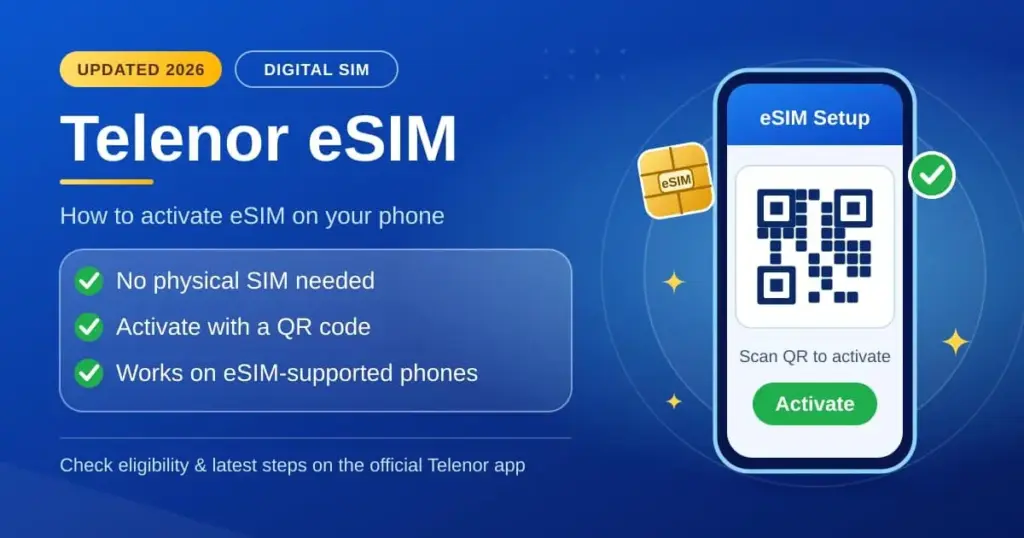
Telenor eSIM allows customers in Pakistan to use a mobile number without a physical SIM card. It works through a digital SIM profile installed on a compatible smartphone using a QR code.
Customers can request a new eSIM or convert an existing physical SIM, subject to current operator availability and verification requirements.
If you also want to check daily answers and updates, visit Telenor Quiz Today for the latest My Telenor quiz questions and answers.
What Is Telenor eSIM and How Does It Work?
A Telenor eSIM is a digital version of a traditional SIM card. It is built into your smartphone, so you do not need to insert a plastic SIM.
To use it:
- Request an eSIM from an authorized outlet.
- Complete biometric verification.
- Receive your activation QR code.
- Open your phone’s SIM settings.
- Scan the QR code.
- Follow the activation instructions.
After activation, you can use calls, SMS, and mobile internet according to your package.
Is Telenor eSIM Available in Pakistan?
Yes. Telenor introduced eSIM services in Pakistan in August 2024 for prepaid and postpaid customers.
However, Telenor’s business was amalgamated into PTML in 2026. Customers should confirm current eSIM availability and issuance procedures through the operator’s official channels before visiting a franchise.
Official website: Telenor Pakistan.
Telenor eSIM Price in Pakistan 2026
The maximum price for new eSIM issuance or physical SIM conversion is Rs. 1,500 under the PTA decision effective August 17, 2026. Confirm the actual applicable charge before applying.
New eSIM and Conversion Charges
| Service | Maximum charge |
|---|---|
| New eSIM | Rs. 1,500 |
| Physical SIM conversion | Rs. 1,500 |
| First 10 device migrations | Free |
These charges are subject to the applicable PTA policy and operator arrangements.
Which Phones Support Telenor eSIM?
Telenor eSIM online works with compatible smartphones that have built-in eSIM support.
Compatible iPhone and Android Models
Some supported models include:
- Apple: iPhone XR, XS, 11, 12, 13, 14 and 15 series.
- Samsung: Galaxy S20, S21, S22, S23 and S24 series.
- Google: Pixel 2 to Pixel 8 series.
- Huawei: P40 and selected Mate models.
- Oppo: Selected Find X and Reno models.
Compatibility depends on the exact phone variant and country of purchase.
How to Check eSIM Compatibility
Follow these steps:
- Open your phone’s Settings.
- Go to Mobile Service or SIM Manager.
- Look for the Add eSIM option.
- You can also dial *#06# and check whether an EID appears.
An EID indicates eSIM hardware, but carrier compatibility should still be confirmed.
Requirements to Get a Telenor eSIM
You need a compatible smartphone, valid identification, and internet access to install the digital SIM.
CNIC and Biometric Verification
Generally, you may need:
- Original and valid CNIC.
- A SIM registered in your name.
- Biometric verification.
- Compatible smartphone.
- Active internet connection.
- Email address for activation details, if required.
PTA Registration
Your phone must comply with PTA device registration requirements.
To check your IMEI:
- Dial *#06#.
- Note your IMEI number.
- Visit the official PTA DIRBS website.
- Check your device registration status.
Official website: PTA DIRBS.
How to Get a Telenor eSIM in Pakistan
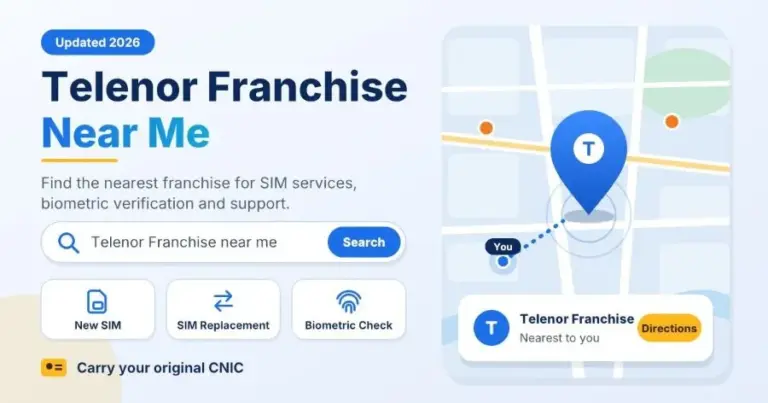
Customers can check eSIM issuance options through the operator’s authorized service channels.
Get a New eSIM from a Franchise
- Visit an authorized service outlet.
- Bring your original CNIC.
- Ask for a new eSIM connection.
- Complete biometric verification.
- Confirm the applicable charges.
- Receive your QR code and activation details.
Convert Your Existing Number to eSIM
If you want to keep your existing number:
- Visit an authorized outlet.
- Provide your mobile number and CNIC.
- Complete biometric verification.
- Request physical SIM to eSIM conversion.
- Pay the applicable fee.
- Receive your activation QR code.
After conversion, your old physical SIM will stop working for that number.
Online eSIM Application Process
An online-only application process is not confirmed by the published Telenor instructions.
Check the My Telenor App or official website for current options. If online registration is unavailable, contact customer support or visit an authorized outlet.
How to Activate Telenor eSIM
You can activate your eSIM by scanning the QR code provided by the operator.
Activation on iPhone and Android
On iPhone:
- Open Settings.
- Select Mobile Service or Cellular.
- Tap Add eSIM.
- Choose Use QR Code.
- Scan your Telenor activation code.
- Follow the instructions to install the profile.
On Android:
- Open Settings.
- Select Connections or Network and Internet.
- Open SIM Manager.
- Tap Add eSIM.
- Scan the QR code.
- Follow the on-screen instructions.
Keep your phone connected to Wi-Fi during installation.
Telenor eSIM vs Physical SIM: Which Is Better?
Both options provide mobile network access, but their installation methods are different.
| Feature | eSIM | Physical SIM |
|---|---|---|
| Installation | QR code | SIM card |
| SIM tray | Not required | Required |
| Activation | Digital | Physical insertion |
| Phone support | eSIM-compatible phones | Compatible SIM phones |
| Switching phones | Digital transfer | Move the card |
Choose eSIM if your phone supports it and you prefer digital SIM management. Choose a physical SIM if you frequently move your SIM between different devices.
Common Telenor eSIM Problems and Solutions
Some users may experience QR code scanning errors, activation delays, or network problems.
QR Code Scanning and Network Issues
Try these solutions:
- Check your Wi-Fi connection.
- Make sure the QR code is clear.
- Restart your smartphone.
- Check that the eSIM profile is enabled.
- Confirm network selection settings.
- Contact customer support if activation fails.
What to Do If Your eSIM Gets Deleted?
If you accidentally delete your eSIM profile:
- Contact customer support.
- Explain that your eSIM profile was deleted.
- Keep your CNIC and mobile number ready.
- Ask for a replacement QR code.
- Complete any required verification.
- Install the new eSIM profile.
Do not share your QR code or activation details with anyone.
Frequently Asked Questions
Can I Convert My Existing Number to eSIM?
Yes. Existing customers can request conversion from a physical SIM to an eSIM, subject to current service availability and verification.
Can I Get an eSIM Without Visiting a Franchise?
The published Telenor process required biometric verification at an authorized outlet. Check current online options before visiting.
Can I Use eSIM and Physical SIM Together?
Yes, if your smartphone supports dual SIM functionality. You can use an eSIM and physical SIM together on compatible devices.
Can I Transfer My eSIM to Another Phone?
Yes. You can request an eSIM transfer or replacement through the supported operator process. PTA’s announced policy provides free charges for the first 10 device migrations. Confirm the current procedure before transferring.